







Welcome to MindoraPlay
A home for quick, clever browser games
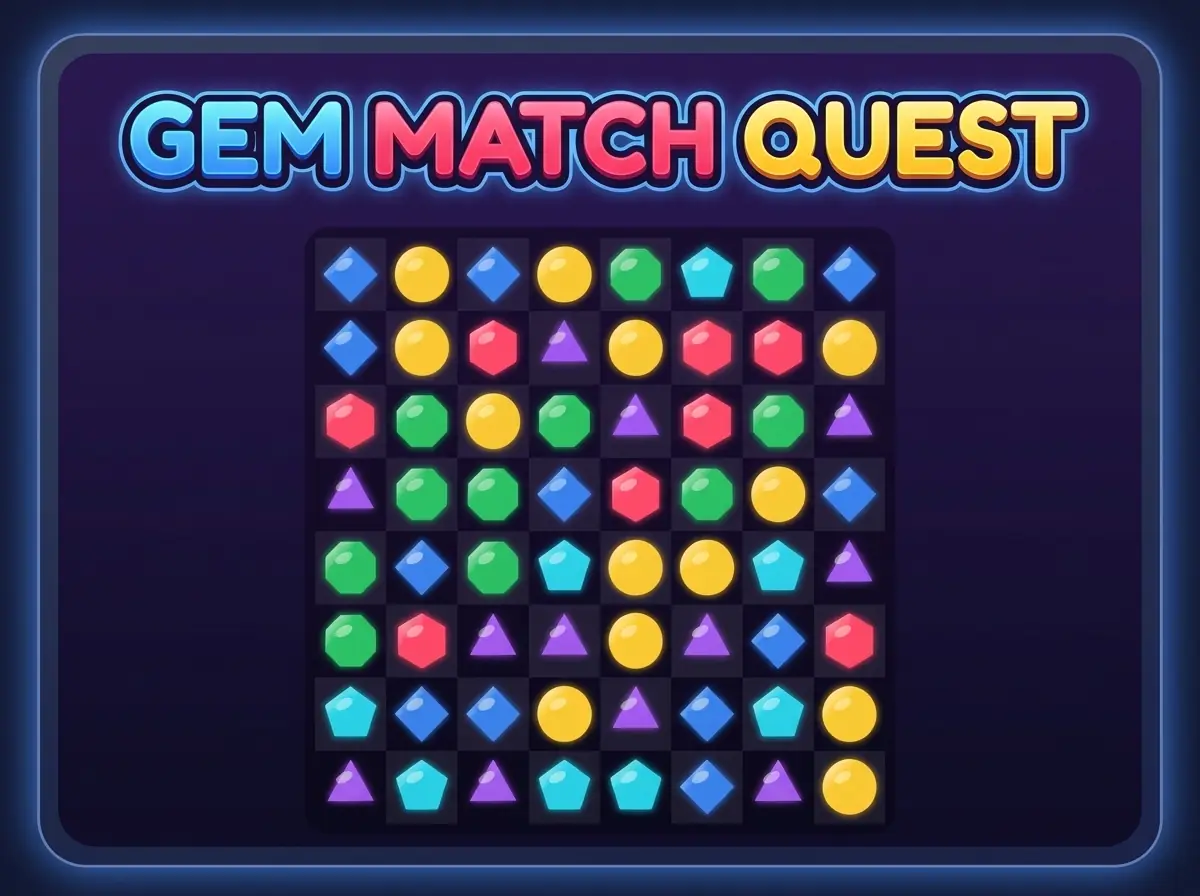
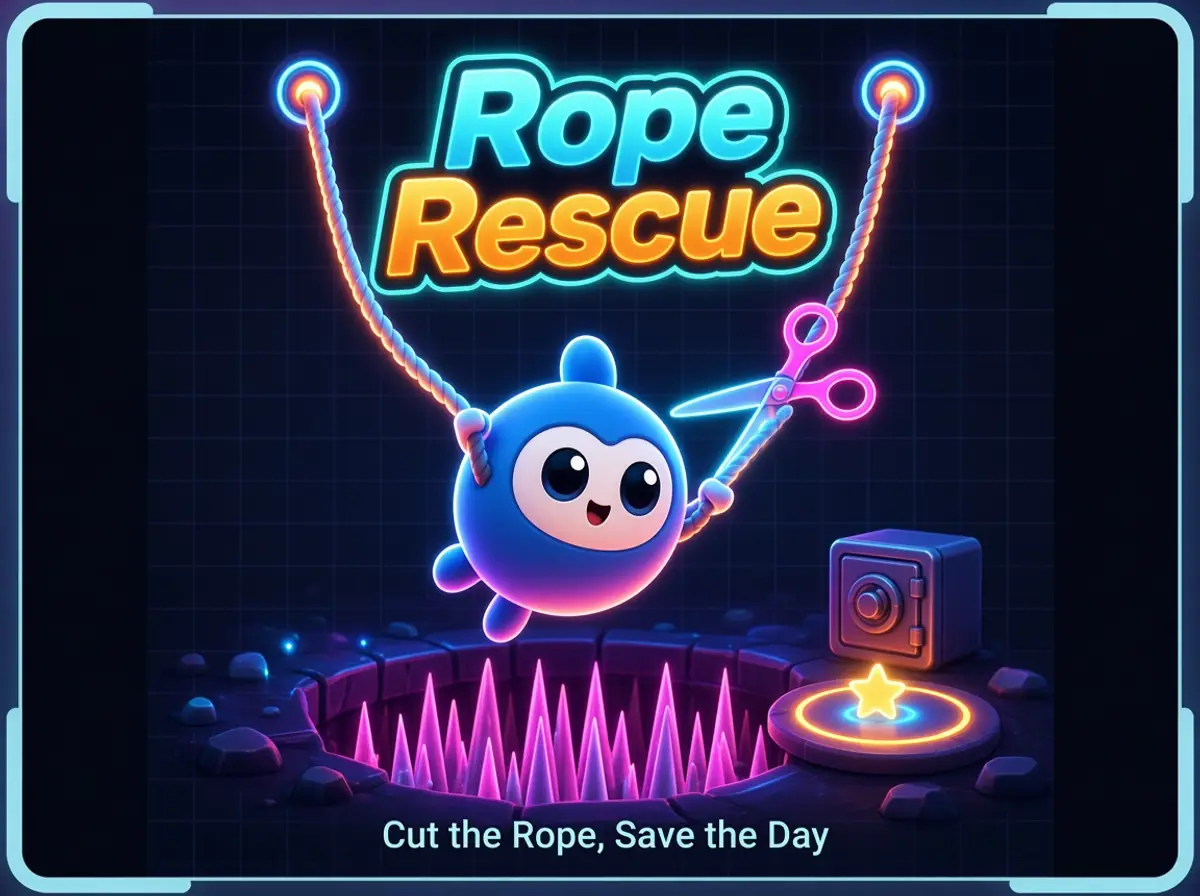
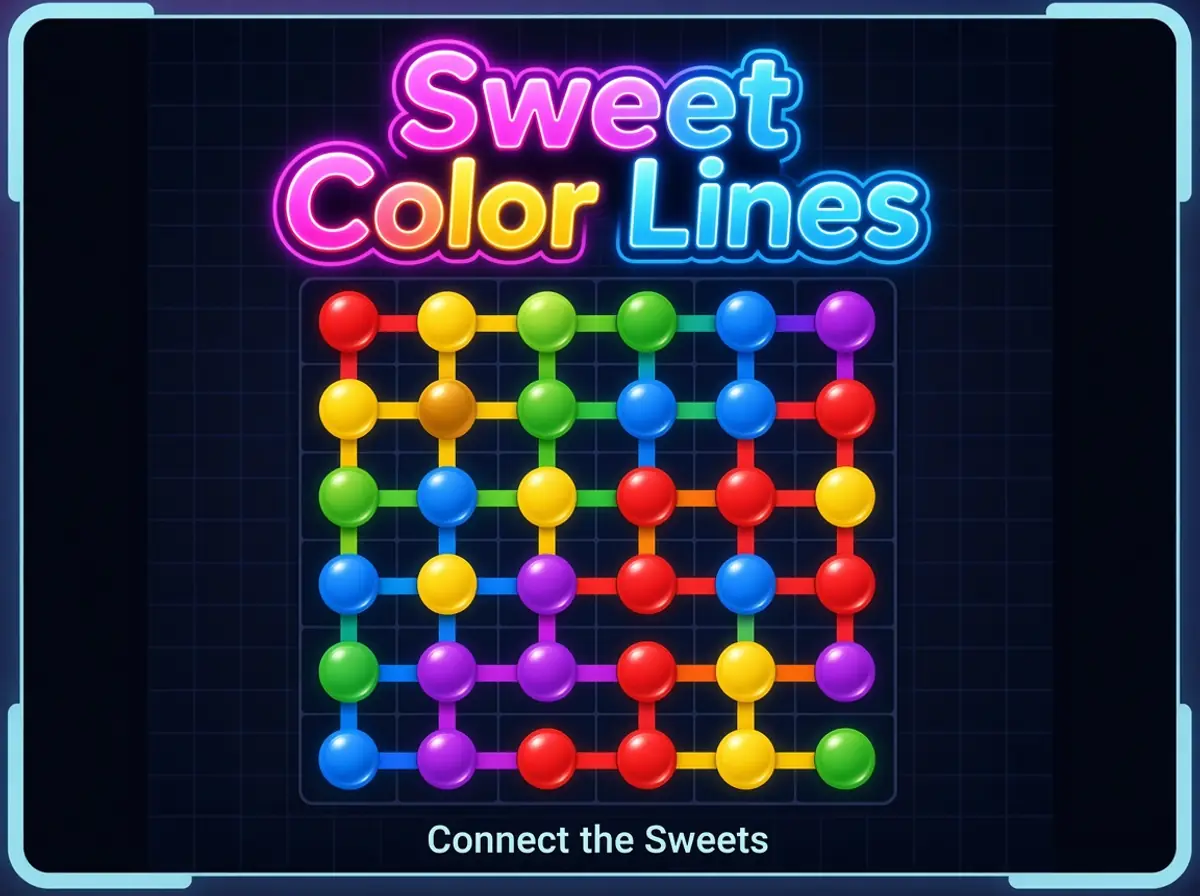
MindoraPlay is built for people who enjoy short, satisfying games. Our library is organised into clear categories: Puzzle and Brain games for thinkers, Arcade and Action games for quick reactions, Strategy and Adventure games for planners, and Sports & Racing games for precision.
Each game has its own page with an original description, step-by-step instructions, a full list of desktop and mobile controls, the main objective and tips from our team. If you are not sure where to start, the Popular Games list highlights player favourites, and New Games shows the latest additions.
Our blog goes deeper, with strategy guides for specific game types and explanations of how browser games work.
Instant play
Games run directly in your browser. There is nothing to install and no account to create.
Made for every screen
Layouts and controls adapt to phones, tablets and desktops, with touch and keyboard support.
Clear guides
Every game page explains the objective, the controls and practical tips so you can start confidently.
Family friendly
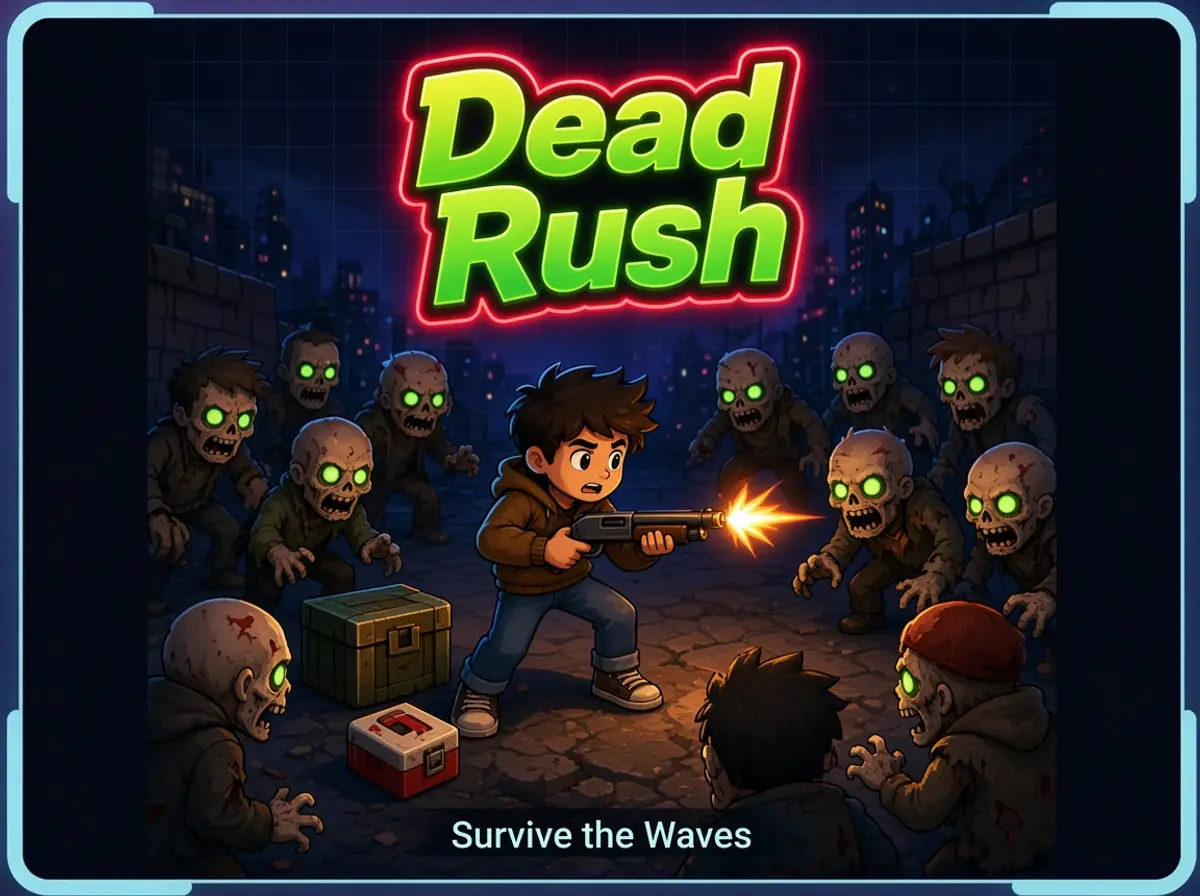
Our games use bright, friendly visuals with no graphic content, even when there are zombies involved.
From the blog
Read the blogGuides & strategy
Practical tips and explanations written by our team to help you enjoy and improve at browser games.
Good to know
Frequently asked questions
Are the games on MindoraPlay free?
Yes. Every game on MindoraPlay is free to play in your browser. You do not need to create an account or install anything.
Can I play on my phone or tablet?
Yes. Pages and games are designed to work on phones, tablets and computers. Each game page lists the touch controls for mobile and the keyboard or mouse controls for desktop.
Which browsers are supported?
Recent versions of Chrome, Edge, Safari and Firefox are supported. For the smoothest experience, keep your browser up to date.
Is my best score saved?
Games that track a best score save it in your browser's local storage on your device. Clearing your browser data or switching devices will reset it.
How do I suggest a game or report a problem?
Open the Contact page or email [email protected]. Include the game name, your device and your browser so we can look into it.