Puzzle
Sudoku Zen
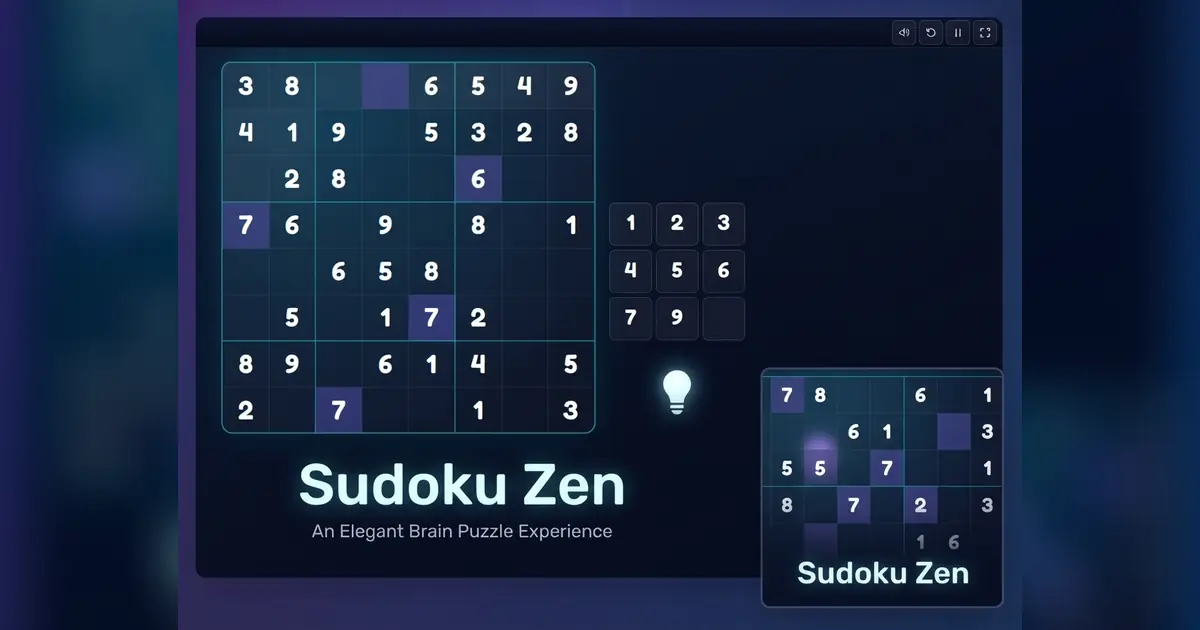
Solve freshly generated Sudoku puzzles with notes, hints and three difficulty levels.
- Category
- Puzzle
- Platforms
- Desktop, tablet & mobile
- Controls
- Click or arrow keys
- Touch
- Tap a cell
- Added
- September 14, 2026
About Sudoku Zen
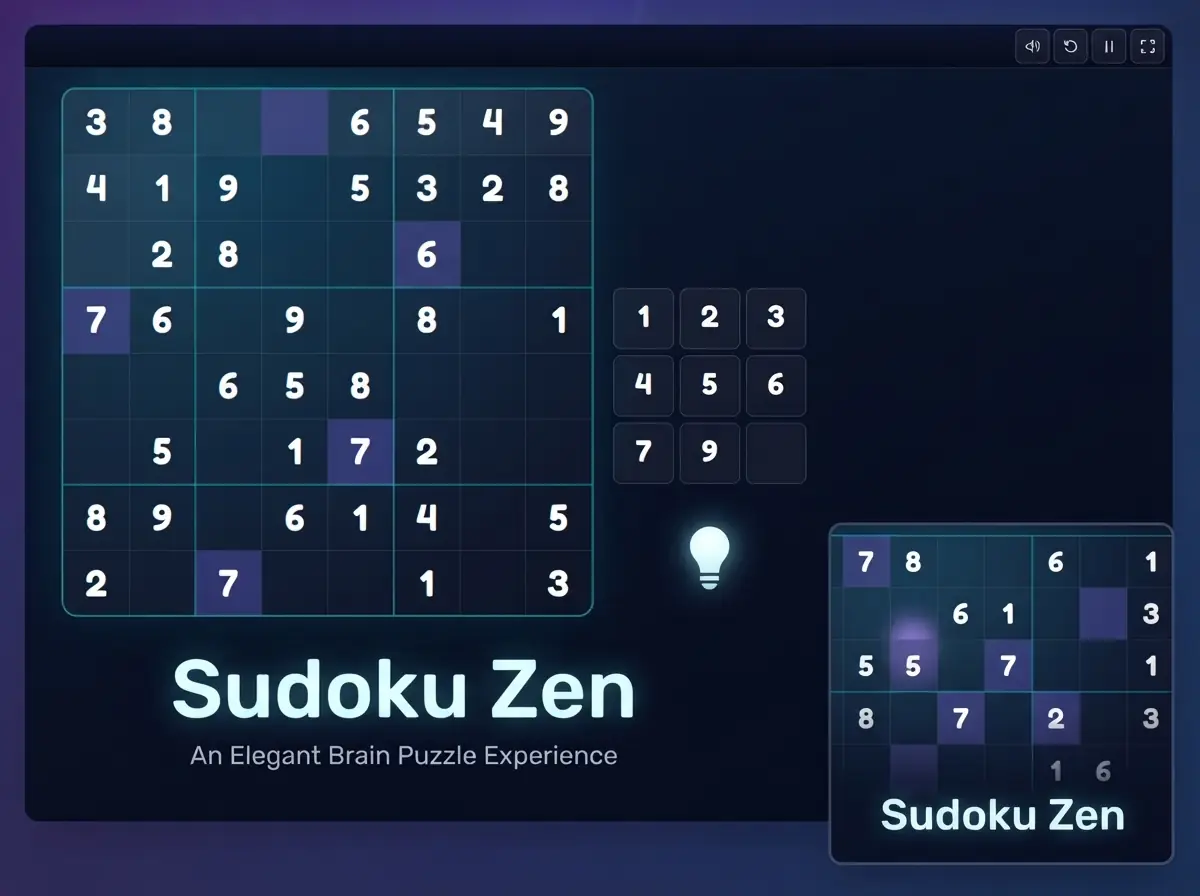
Sudoku Zen is a calm, clean take on the world's favorite number puzzle. Every game is generated fresh and checked to have exactly one solution, so you can always reach the answer through logic alone. Easy, medium and hard boards give you a steady path from warm-up to real challenge.
Notes mode lets you pencil in candidate numbers, related cells are highlighted as you move around the grid, and mistakes are flagged straight away. You get three hints per puzzle, and the third mistake ends the round.
How to Play
- Choose a difficulty and press Play.
- Select an empty cell, then enter a number from 1 to 9.
- Each row, column and 3×3 box must contain every digit exactly once.
- Switch on Notes to pencil in candidates, and use a hint if you get stuck.
Controls
Desktop
- Click or arrow keys
- Select a cell
- 1–9
- Enter a number
- N
- Toggle notes mode
- Backspace / Delete
- Clear the cell
Mobile & Tablet
- Tap a cell
- Select it
- Number pad
- Enter a number
- Notes button
- Toggle notes mode
Game Objective
Fill the whole grid correctly, as quickly as possible and with as few mistakes and hints as you can.
Tips & Strategy
- Start with the rows, columns and boxes that are already nearly full.
- If a digit can only go in one cell of a box, place it, even if that cell has other candidates.
- Use notes on harder boards. Patterns like naked pairs are much easier to spot.
- Save hints for when you are truly stuck. Each hint you use costs 200 points.





From the blog
All articles