Action
Alien Invasion Defense
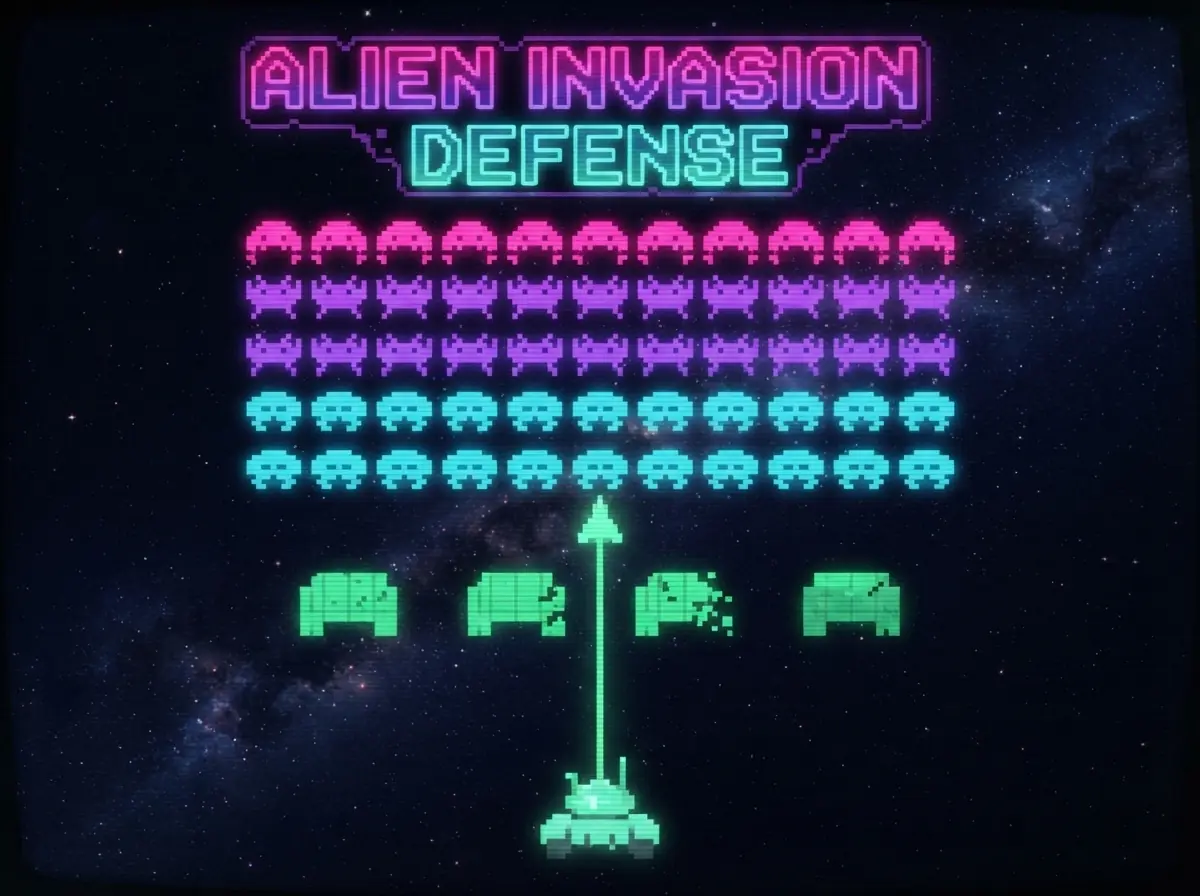
Blast marching rows of pixel aliens from your laser cannon while shields crumble around you.
- Category
- Action
- Platforms
- Desktop, tablet & mobile
- Controls
- ← → or A / D
- Touch
- Drag
- Added
- September 8, 2026
About Alien Invasion Defense
Alien Invasion Defense is a love letter to classic fixed-screen shooters. Rows of pixel-art aliens march side to side and creep lower each time they reach the edge. Your laser cannon slides along the ground, and four destructible shields offer cover that wears away with every hit.
The fewer aliens remain, the faster the formation moves, so the last few are the hardest to hit. A mystery saucer sometimes zips across the top of the screen for bonus points. Clear a wave and the next one starts lower and faster.
How to Play
- Move your cannon left and right along the bottom of the screen.
- Fire to destroy aliens. Top-row aliens are worth the most.
- Hide behind the shields to block alien shots, but they wear down over time.
- Don't let the aliens reach the ground or hit you three times.
Controls
Desktop
- ← → or A / D
- Move the cannon
- Space
- Fire
- P or Esc
- Pause
Mobile & Tablet
- Drag
- Move the cannon
- Hold anywhere
- Auto-fire
Game Objective
Stop every alien formation before it lands, and keep your bunkers standing for as many waves as you can.
Tips & Strategy
- Clear the outer columns first. It slows how quickly the formation reaches the edges.
- Shoot the mystery saucer whenever it appears. It is worth big points.
- Only three of your lasers can be on screen at once, so accuracy beats spamming.
- Be careful with the last alien. It moves very fast.